Racket stringing management software for your business
Stringer Station brings your customers, racket history, stringing jobs, string inventory, payments and invoices together in one web-based app. Designed for independent tennis, badminton and squash stringers.
Keep every stringing job organised
From the moment a racket arrives to collection and payment, keep the information you need in one place rather than across paper notes and separate spreadsheets.
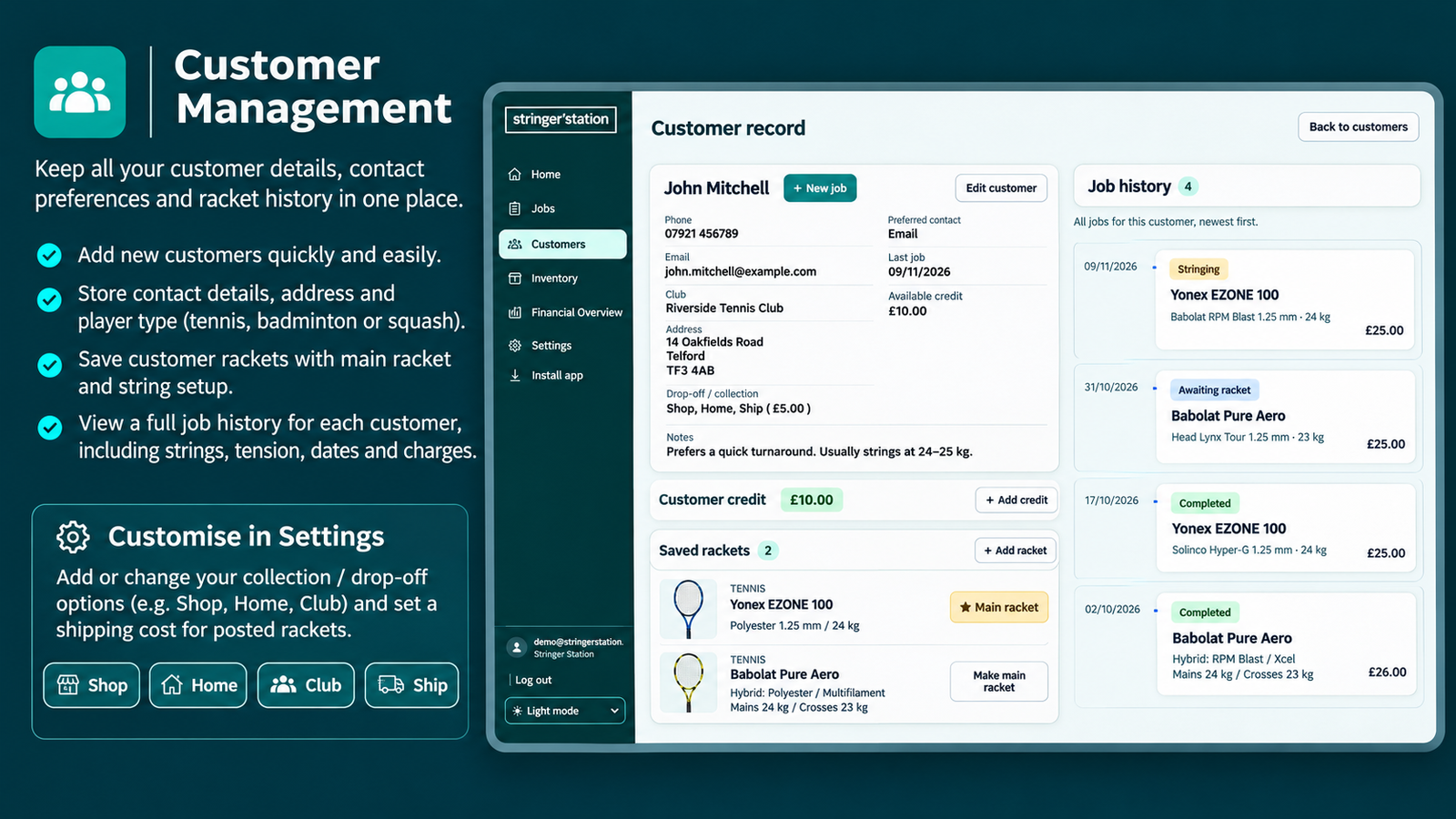
Customers & racket historyStore customer contact details, saved rackets and previous stringing setups for quicker repeat jobs.Explore feature
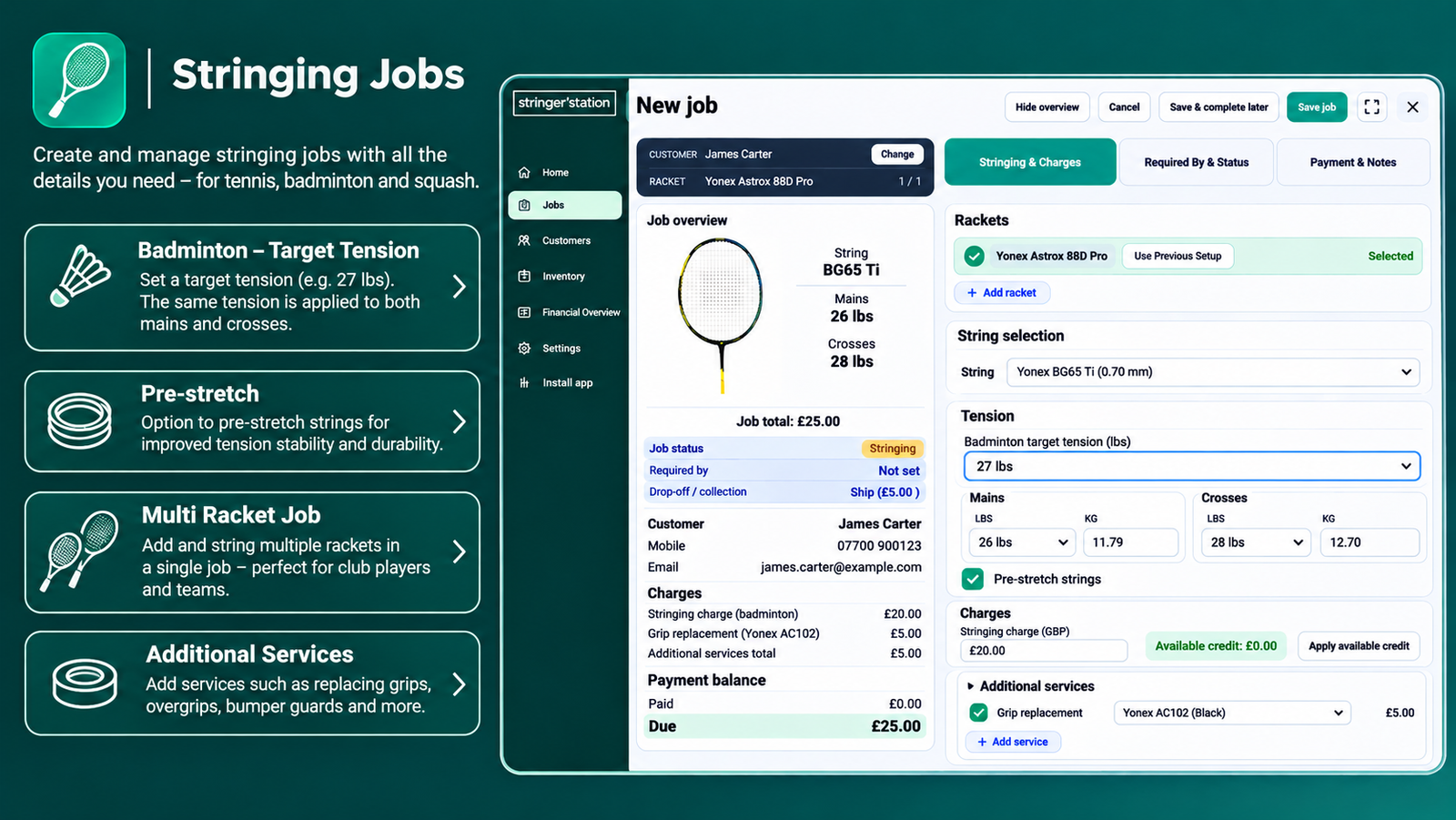
Stringing JobsCreate and manage multi-racket jobs, select strings and tensions, and add services such as grip replacement.Explore feature
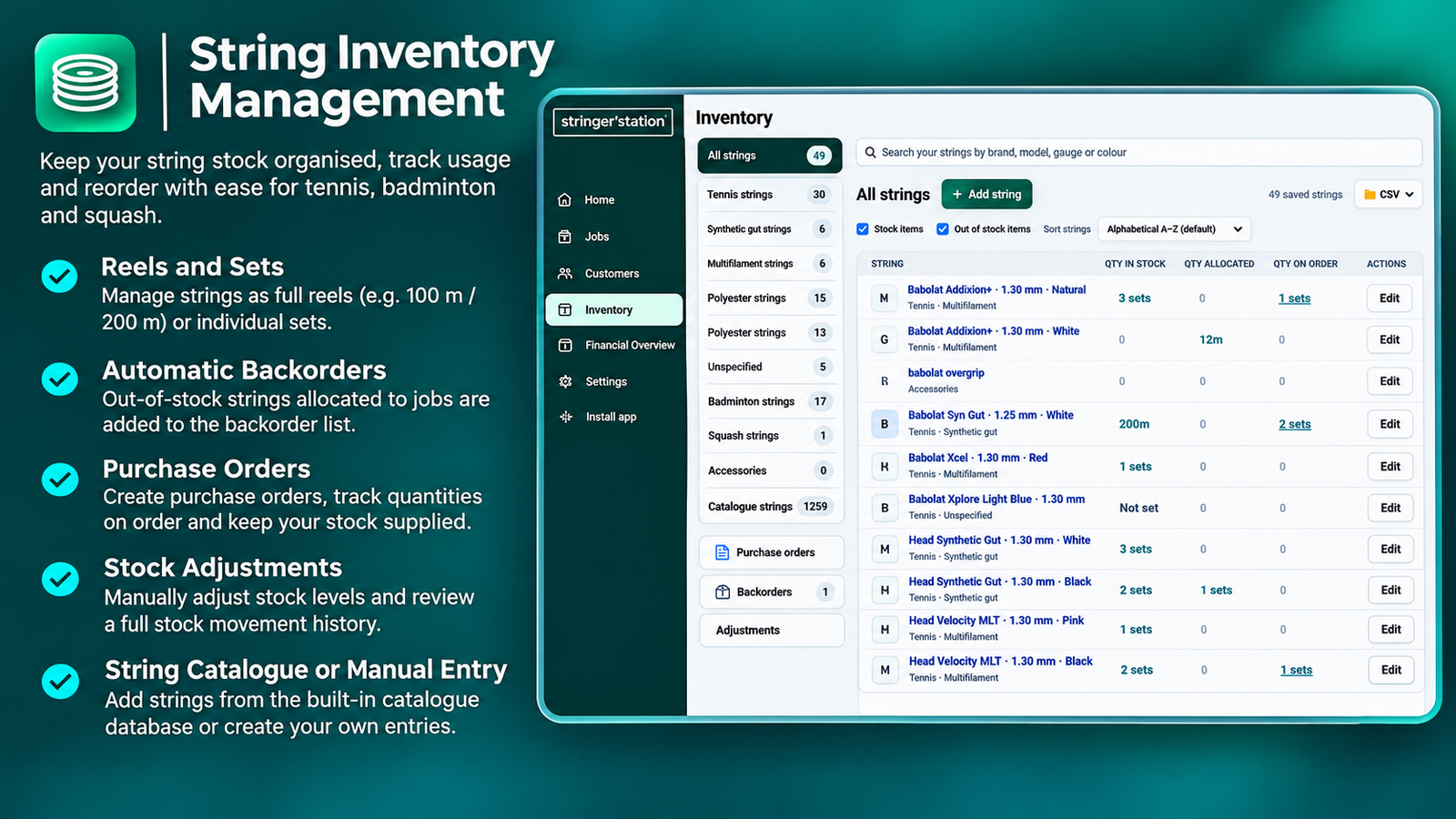
String inventoryKeep track of sets and reels, stock usage, adjustments, allocated stock and items that need ordering.Explore feature
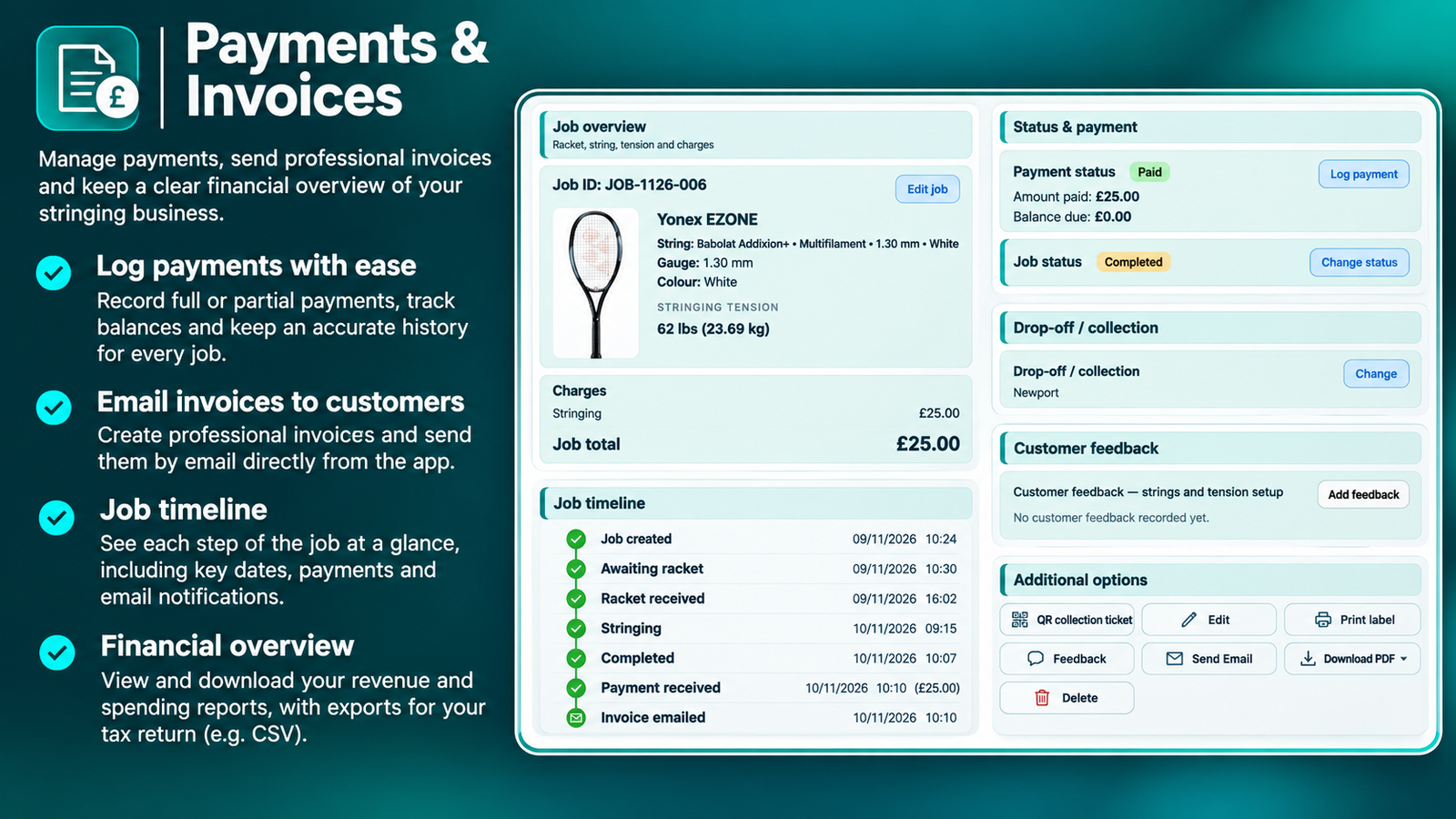
Payments & invoicesRecord full or partial payments, email invoices and review job timelines and financial records.Explore feature
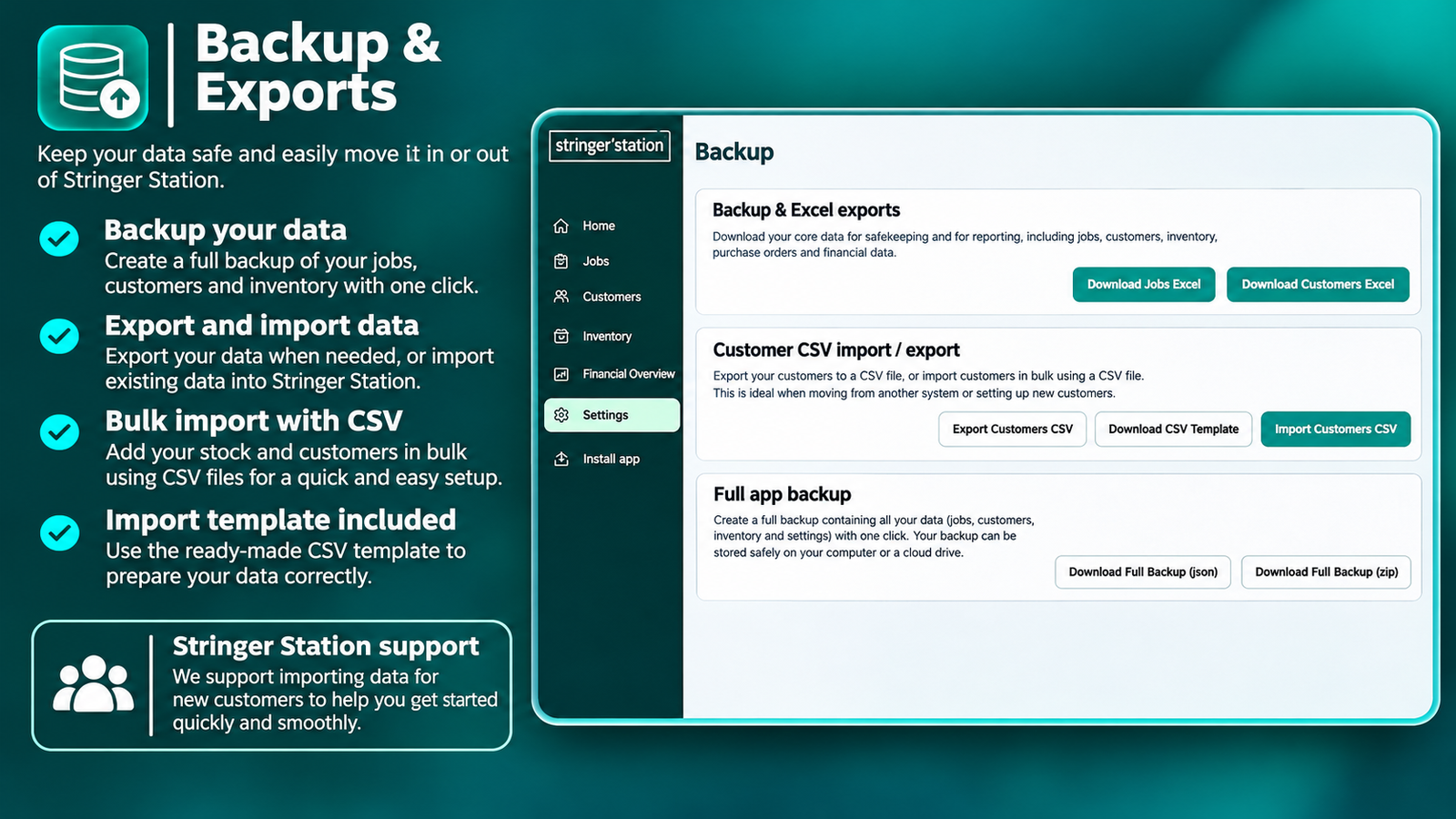
Backup & exportsBack up your business data, export records and import customers or string stock using CSV files.Explore feature
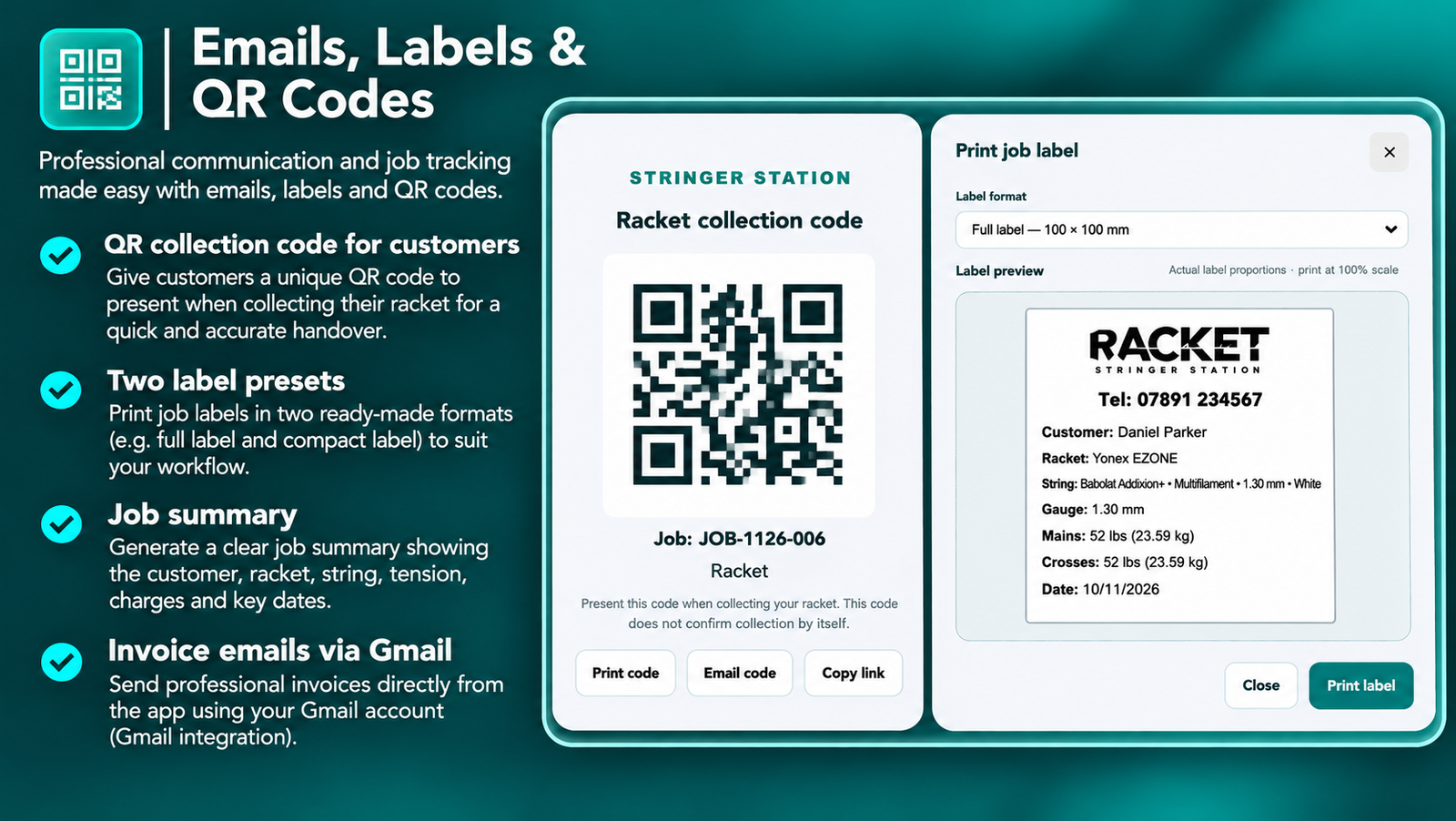
Emails, Labels & QR CodesEmail job summaries and invoices, print labels and provide QR collection tickets.Explore feature
How Stringer Station fits your workflow
Add a customer and racket
Save the customer's details and racket setup so you can reuse them next time.
Create and track the job
Enter the string choice, tension, required date and charges, then update the job status.
Finish, invoice and collect
Record payments, provide a job summary or invoice and keep the history for future visits.
Frequently asked questions
Learn how Stringer Station helps you manage your racket stringing business.
How do I manage a racket stringing business?
Keep customer contact details, racket setups, job status, stock and payments organised in one system. Stringer Station helps independent stringers follow each job from drop-off to collection.
Can I import existing customers and stringing jobs?
Stringer Station supports importing existing customer and job records, helping you move from previous records without starting from scratch. Check the available import format before preparing your data.
How can I track strings used from a reel?
Use Stringer Station’s string inventory to record stock and usage, monitor remaining string quantities and manage stock adjustments.
Can I send invoices and job summaries to customers?
Stringer Station can produce invoices and job summaries and supports sending them through a connected Gmail account.
What is Stringer Station?
Stringer Station is a web-based racket stringing business management app. It helps racket stringers organise customers, stringing jobs, string inventory and purchase orders in one place.
Can I manage tennis, badminton and squash stringing jobs?
Yes. Stringer Station supports stringing workflows for tennis, badminton and squash rackets.
Can I track customer rackets and stringing jobs?
Yes. You can manage customer records and their rackets, record stringing job details and follow job progress.
Does Stringer Station help manage string inventory?
Yes. Stringer Station tracks string stock and usage, allows manual stock adjustments, and supports CSV imports and exports for easy inventory management. Out-of-stock strings are automatically added to a backorder list, ready to be included in your next purchase order.
Can I print racket labels with QR codes for collection?
Yes. Stringer Station lets you print racket job labels with QR codes to help identify rackets and manage collections.
Can I record payments for stringing jobs?
Yes. Stringer Station includes job charges and payment tracking, including partial payments and outstanding balances.
Is there a free trial?
Yes. You can start with a 14-day free trial, with no payment required to begin.
Can I use Stringer Station on my mobile phone and PC?
Yes. Stringer Station works on smartphones, tablets, laptops and desktop computers. Access your stringing business from anywhere using a web browser, with a responsive layout designed for both mobile and desktop screens. No installation required.
Can Stringer Station help with financial records and tax returns?
Yes. Stringer Station helps you track payments, outstanding balances, purchases and business income. You can download purchase orders and job records, making it easier to organise your finances, review expenses and prepare records for your annual tax return or accountant.